4 Interactive Website Design Wins That Boost Sales (2026)
Boost sales in 2026 with 4 interactive website design wins that build trust, spark engagement, and turn visitors into loyal fans.
Key Takeaways
-
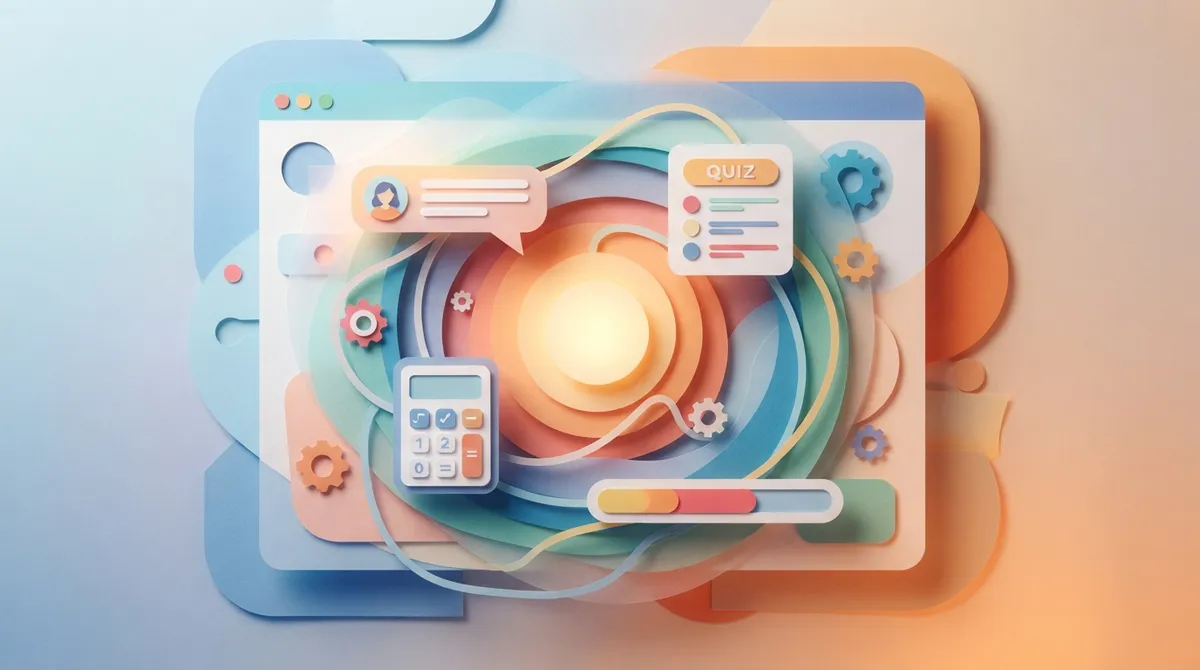
Add interactive elements like chatbots, quizzes, and calculators to keep visitors engaged longer, which improves search rankings and conversion rates while building trust through demonstrated expertise.
-
Implement chatbots with smart timing (trigger after 20-30 seconds, not instantly) and multi-step forms with progress bars to reduce friction and prevent visitor drop-off without overwhelming them.
-
Start with one interactive feature that solves a real customer problem, test it, then scale gradually to avoid budget strain and performance issues like slow page load times.
-
Interactive design generates valuable customer data through quiz answers and form inputs, which can inform future marketing strategies and help content get picked up by AI search tools.
Think about the last website that made you stop scrolling. Maybe it had a fun quiz, a chat box that popped up right when you needed help, or a calculator that showed you exactly what you’d pay. That’s interactive website design in action, and it’s changing how small businesses win customers online in 2026.
At Brain Buzz Marketing, we’ve watched interactive elements turn boring websites into customer magnets. Whether you run a local shop in Tampa or an online store shipping nationwide, adding interactive features to your site can mean the difference between a visitor who leaves and one who buys. This guide breaks down four proven interactive design strategies that actually work, plus practical tips for adding them to your own site.
What Is Interactive Website Design, Really?
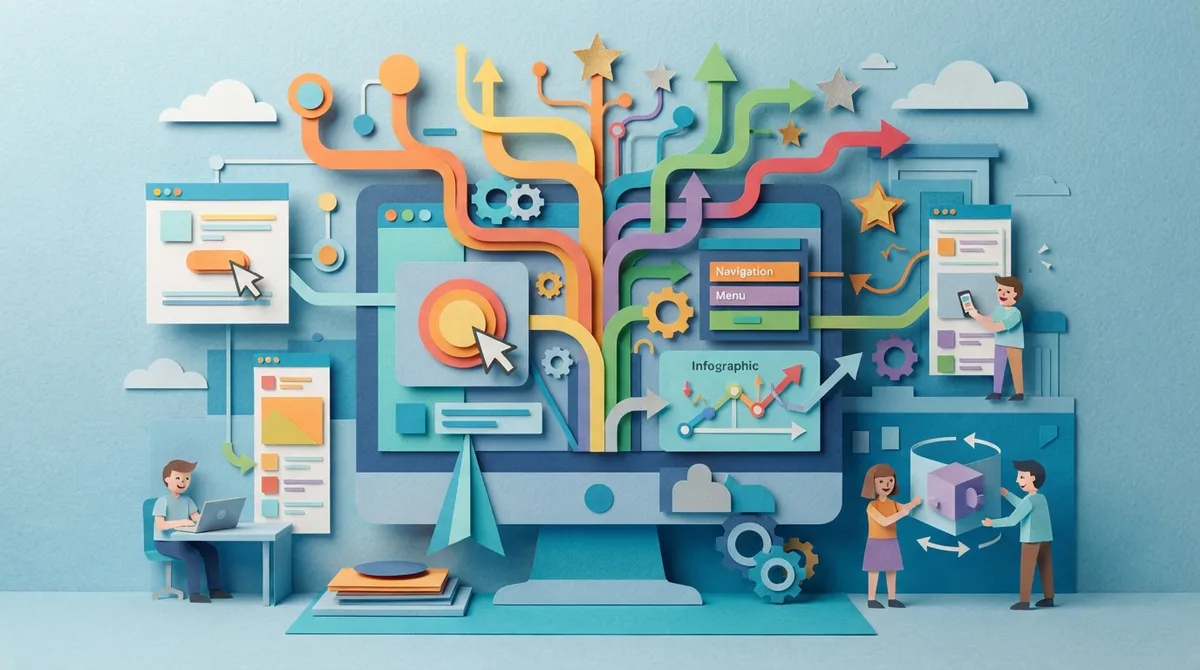
Interactive website design means building web pages that respond to what visitors do. Instead of just reading text, users click, scroll, type, and get instant feedback. This could be a simple hover effect or a full quiz that recommends products.
The goal is simple: keep people engaged longer. The longer someone stays on your site, the more likely they trust your brand and take action. This matters a lot for website design projects built to convert visitors into paying customers.
Why Interactive Elements Matter for Your Business
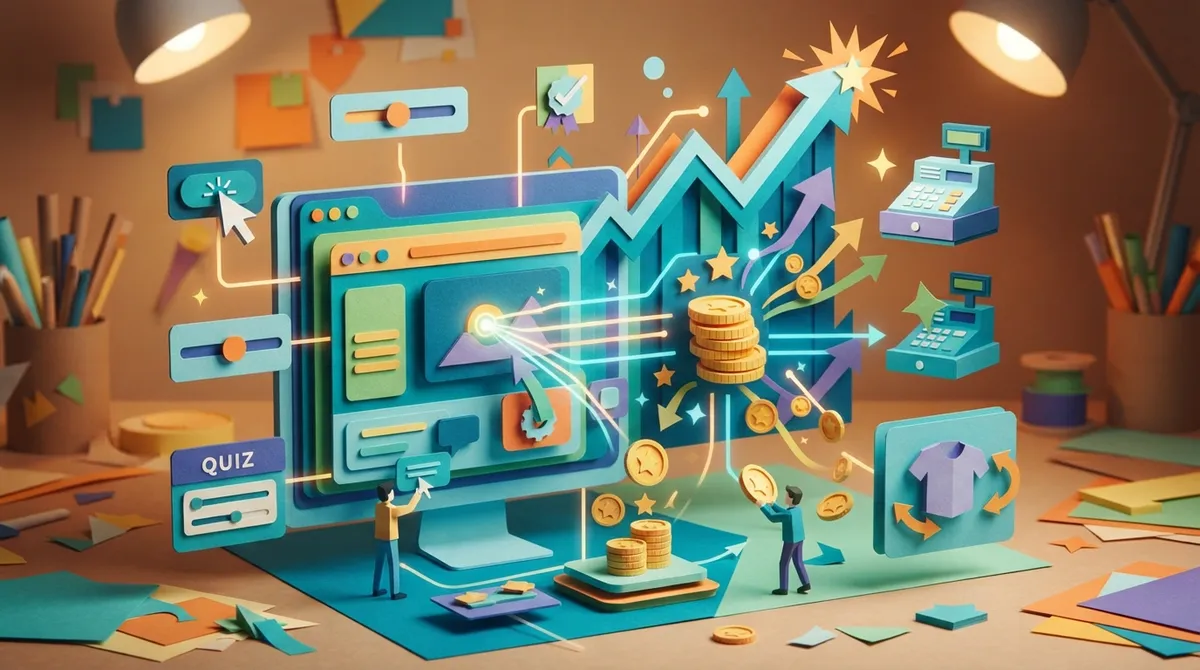
Search engines like Google notice how people behave on your site. If visitors bounce away in five seconds, that sends a bad signal. But if they click around, watch a video, or fill out a form, Google sees your site as valuable. This can help your rankings over time.
Interactive design also builds trust. Following Google E-E-A-T guidelines means showing real experience and expertise. Interactive tools like calculators or assessments prove you understand your customer’s problems, not just talk about them.
- Visitors spend more time on pages with interactive features
- Engagement signals can support better search rankings
- Interactive tools collect useful data about your leads
- Fun experiences make your brand more memorable
- Higher engagement often leads to higher conversion rates
1. Smart Chatbots and Live Chat Widgets
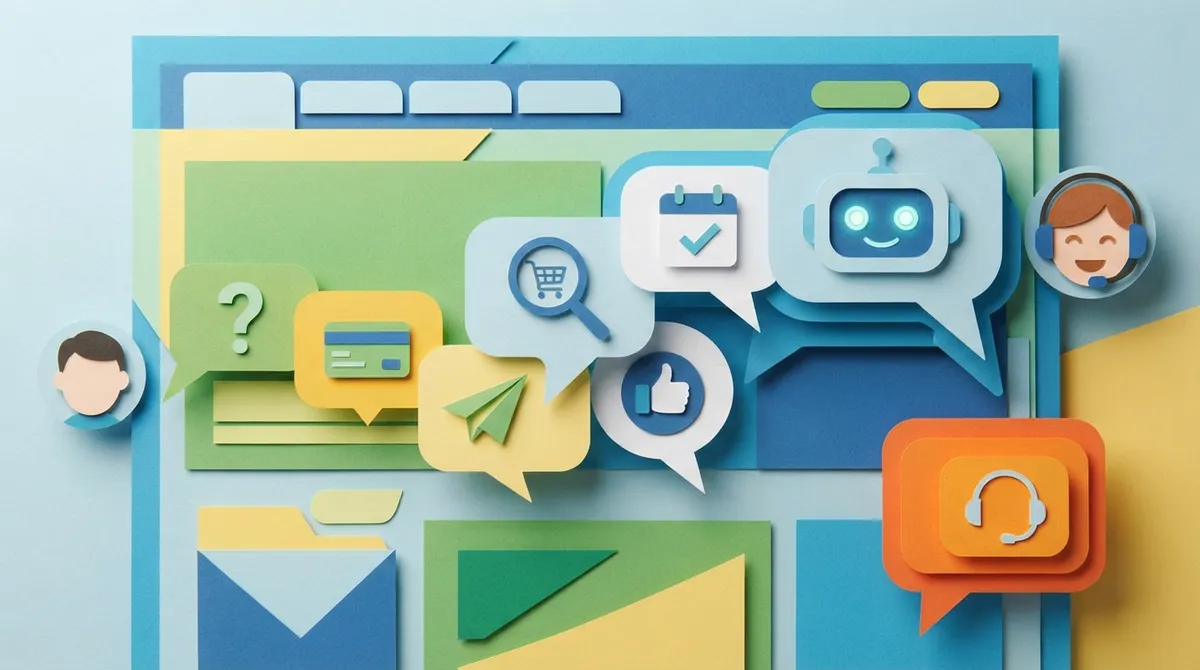
Chatbots are one of the easiest interactive features to add today. A good chatbot answers common questions instantly, day or night. This matters most for local service providers who get calls at all hours.
Modern chatbots do more than answer FAQs. They can qualify leads, book appointments, and even hand off to a real person when needed. For businesses in Brandon, Riverview, or Tampa, this means never missing a lead just because it’s after hours.
Getting Chatbots Right
The trick is balance. Too many pop-ups annoy visitors. Too few, and you miss chances to help. We recommend triggering a chat window after someone spends 20-30 seconds on a page, not the instant they land.
- Choose a chatbot tool that matches your website platform
- Write friendly, short scripts that sound human
- Set clear paths to schedule calls or request quotes
- Test response times and update answers monthly
- Track which questions come up most often
Businesses using our WordPress Hosting services often add chat plugins that integrate smoothly without slowing down page speed.
2. Interactive Quizzes and Calculators
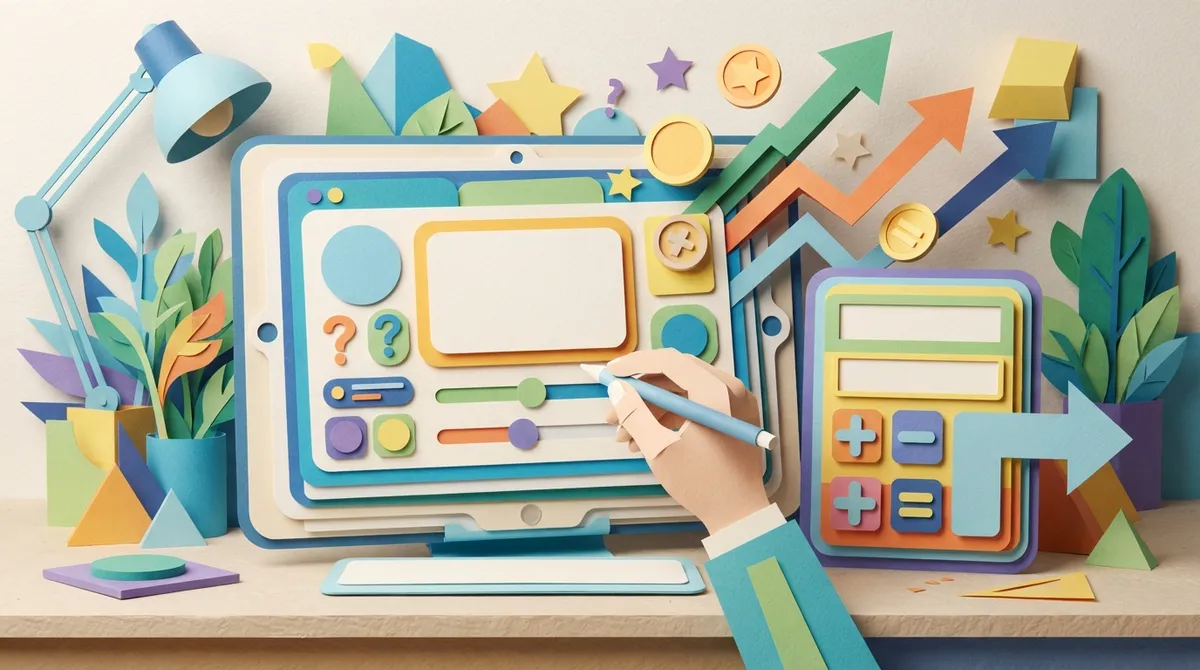
Quizzes are everywhere for a reason. They work. People love finding out what “type” they are or getting a personalized recommendation. E-commerce retailers use quizzes to match shoppers with the right products.
Calculators work the same way for service businesses. A pool company might offer a cost estimator. A marketing agency might show potential ad spend versus results. These tools give visitors instant value while collecting their contact information.
Examples That Drive Real Results
Here’s how different industries use this interactive design strategy:
| Business Type | Interactive Tool | Main Benefit |
|---|---|---|
| Home Services | Cost calculator | Pre-qualifies leads before the call |
| E-commerce | Product finder quiz | Increases average order value |
| Local Service Providers | Availability checker | Reduces scheduling back-and-forth |
| Startups | ROI estimator | Builds trust with data-driven proof |
Companies like Panther Pools show how a visual, interactive approach to showcasing services can help customers picture the end result before they even reach out.
3. Dynamic Forms and Progress Indicators
Long, boring forms scare people away. Nobody wants to fill out 15 fields just to ask a question. Interactive forms fix this by breaking the process into small, simple steps.
Progress bars show users how close they are to finishing. This small trick keeps people motivated to complete the form instead of giving up halfway. Multi-step forms also feel less overwhelming than one giant page of fields.
Best Practices for Form Design
- Ask for only essential information first
- Use conditional logic to skip irrelevant questions
- Add a progress bar or step counter
- Auto-save answers so users don’t lose progress
- Confirm submission with a clear thank-you message
Healthcare and service-based businesses, like InCare, benefit from smart intake forms that guide clients through sensitive questions without feeling like a chore. This same approach works for any local service provider collecting client details before a first appointment.
4. Scroll-Triggered Animations and Micro-Interactions
Small touches make a big difference. Think of buttons that change color when clicked, icons that animate as you scroll, or images that fade into view. These micro-interactions make a site feel alive and professional.
Startups especially benefit from this. A polished, interactive feel signals credibility even if the company is brand new. First impressions matter, and animations can make your site feel modern instead of dated.
Keeping Animations Useful, Not Distracting
The goal is subtle enhancement, not chaos. Overdoing animations slows load times and annoys visitors. Follow these simple rules:
- Use animations to guide attention, not just decorate
- Keep load times fast by optimizing animation files
- Test on mobile devices, since most traffic comes from phones
- Avoid animations that block users from scrolling
- Always prioritize speed over flashy effects
Our SEO team always checks page speed after adding interactive features, because a slow site can undo all the benefits of a great design.
How Interactive Design Connects to SEO, GEO, and AEO
Interactive website design isn’t just about looks anymore. In 2026, search engines and AI tools both reward sites that keep people engaged. This means your interactive elements can support traditional SEO while also helping your content get picked up in AI-generated answers.
This is where Generative Engine Optimization (GEO) and Answer Engine Optimization (AEO) come into play. Interactive content, like quizzes and calculators, often gets referenced by AI tools because it provides clear, structured answers. Pairing strong content writing services with interactive features gives your site the best shot at visibility across search and AI platforms alike.
Marketing managers juggling multiple channels should note that interactive elements also generate valuable data. Every quiz answer or calculator input tells you more about your audience. That data can shape future digital marketing services and campaigns.
Common Mistakes to Avoid
Even good ideas can backfire if done poorly. Here are mistakes we see often when businesses try interactive design on their own:
- Adding too many pop-ups that frustrate visitors
- Skipping mobile testing, where most traffic happens
- Ignoring page speed after adding heavy animations
- Using generic quiz questions that don’t match your brand
- Forgetting to follow up with leads captured through forms
Small business owners often try DIY website builders first. That’s fine for testing ideas, but scaling interactive features usually requires custom development to avoid slow load times and broken functionality.
Getting Started With Interactive Design
You don’t need to add everything at once. Start small. Pick one interactive feature that solves a real problem for your customers. Maybe it’s a chatbot for after-hours questions or a simple calculator for pricing estimates.
Test it. Watch how visitors respond. Then add another feature based on what you learn. This step-by-step approach keeps your budget in check while still improving your site’s performance over time.
Brain Buzz Marketing has served Tampa Bay businesses since 1998, and we’ve seen trends come and go. Interactive design isn’t a passing fad. It’s becoming the standard for sites that actually convert visitors into customers. You can see how local clients feel about working with our team by checking out Visit us on Google — Brain Buzz Marketing.
We also share behind-the-scenes tips and client wins on social media. Follow along on Instagram and Facebook for more digital marketing insights. You can also connect with our founders directly, Follow Eric on LinkedIn and Follow Nicole on LinkedIn, for a closer look at how we approach client projects.
Final Thoughts on Interactive Website Design
Interactive website design gives your business a real edge in a crowded online world. It keeps visitors engaged, builds trust, and often leads to more conversions. Whether you’re a startup building your first site or an established business ready for a redesign, adding smart interactive features can transform how customers experience your brand.
We serve businesses throughout Brandon, Riverview, Valrico, Apollo Beach, Tampa, St. Pete, Clearwater, and Westchase, plus clients across Florida and the entire country. If you’re ready to build a website that engages visitors and turns them into loyal customers, our team is here to help you plan the right interactive features for your goals. Get in Touch with Our Team today to start the conversation.
FAQs
Q: What is interactive website design?
A: Interactive website design means building web pages that respond to what visitors do, like clicking, scrolling, or typing. Think chatbots, quizzes, calculators, and animations that make your site feel alive and helpful, not just a static page of text.
Q: Does interactive website design help with SEO?
A: Yes, it can! When visitors stay longer and engage more with your site, search engines take notice. Plus, interactive content often gets picked up by AI search tools too, giving you an extra visibility boost in 2026 and beyond.
Q: Is interactive design expensive to add to my website?
A: It doesn’t have to be. You can start small with one feature, like a simple chatbot or quiz, and grow from there. Our team can help you figure out what fits your budget and goals without overspending.
Q: Will interactive features slow down my website?
A: They can if they’re not built correctly, which is why proper testing matters so much. A good developer will optimize animations and scripts so your site stays fast while still feeling engaging and modern.
Q: What’s the easiest interactive feature to start with?
A: A chatbot or live chat widget is usually the simplest place to start. It answers common questions right away and helps you capture leads even outside business hours, which is great for busy small business owners.
Our Service Area