5 Website Maintenance Mistakes Brandon FL Owners Make
Avoid costly website maintenance Brandon mistakes and keep your site fast, secure, and attracting customers in 2026.
Key Takeaways
-
Neglected websites cost you leads through slow load times, broken forms, and security vulnerabilities; regular maintenance like updates, backups, and speed optimization directly protects your search rankings and customer conversions.
-
Skipping software and plugin updates is the #1 mistake because outdated code creates security holes that hackers exploit; always backup before updating and test changes on a staging site first.
-
Automatic daily backups stored off-site are non-negotiable insurance; a single server failure without proper backups means losing pages, photos, and customer data with costly rebuilds.
-
Slow mobile performance drives away customers since most local searches happen on phones; compress images, remove unused plugins, enable caching, and test on actual devices to stay competitive.
-
Stale content (old phone numbers, outdated pricing, 2021 copyright dates) signals to Google and visitors that your business is inactive; regularly refresh service pages, add testimonials, and verify all details.
-
Hiring a local website maintenance designer in Brandon, FL pays for itself by preventing downtime and lost leads; look for transparent pricing, proactive security measures, SEO knowledge, and fast response times.
Picture this: a customer in Brandon searches for your business on their phone. They click your site, wait four seconds, see a broken contact form, and tap the back button. You never even knew they stopped by. Sound painful? It happens every day, and it is almost always caused by one thing: a neglected website.
Many business owners think a website is a one-and-done project. You build it, launch it, and move on. But a website is more like a company truck. It needs regular check-ups, fresh oil, and the occasional repair to keep running well. Without that care, small problems pile up and quietly cost you leads.
In this friendly guide, we will walk through the five biggest website maintenance mistakes we see, and how to fix each one. We will also explain what to look for when hiring a website maintenance Brandon FL designer so your site stays fast, safe, and ready to bring in customers in 2026. Let’s dive in!
Why Website Maintenance Matters More Than You Think
Website maintenance is the ongoing work that keeps your site healthy. That includes software updates, security checks, speed tuning, backups, content refreshes, and fixing anything that breaks. It is not flashy work, but it protects your biggest online asset.
For small business owners, startups, and local service providers, your website is often the first impression. If it looks outdated or acts glitchy, people assume your business is the same way. That is not fair, but it is true.
Good maintenance also helps your search rankings. Google rewards sites that load quickly, work well on phones, and stay secure. If you invest in SEO but ignore upkeep, you are filling a bucket that has holes in the bottom.
What Regular Maintenance Usually Includes
- Software, theme, and plugin updates
- Daily or weekly backups
- Security scans and malware removal
- Speed and performance checks
- Broken link and form testing
- Content updates and fresh images
- Uptime monitoring so you know if the site goes down
Mistake #1: Skipping Software and Plugin Updates
This is the number one mistake, and it is easy to see why. Update notices pop up, and they feel like a chore. So they get ignored for weeks, then months.
The trouble is that updates often include security patches. Hackers know about old software weaknesses and look for sites that have not been patched. An outdated plugin is like leaving your back door unlocked with a sign that says “come on in.”
Updates can also break things if done carelessly. A plugin update might clash with your theme and wreck your layout. That is why a skilled designer tests updates on a copy of your site first, then applies them safely.
How to Fix It
- Make a list of every plugin, theme, and tool your site uses.
- Check for available updates at least once a month.
- Back up your whole site before changing anything.
- Test the update on a staging site, if you have one.
- Check your key pages, forms, and checkout after the update goes live.
If that sounds like a lot, it is. That is exactly why many owners hand this job to a local pro.
Mistake #2: Forgetting About Backups
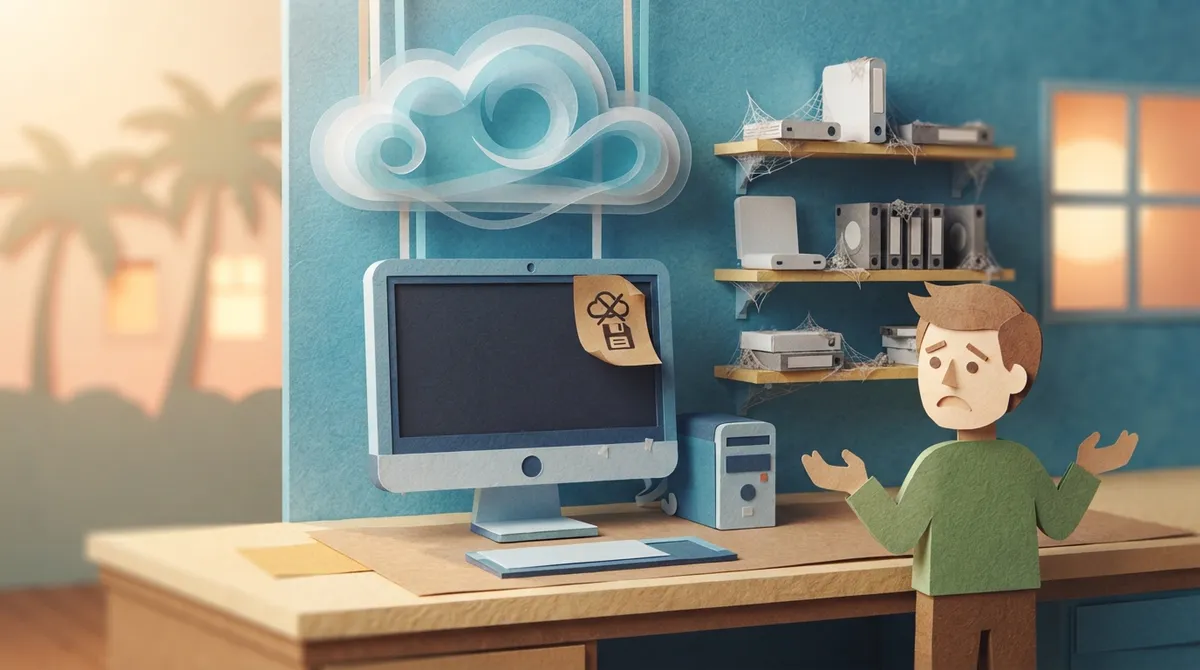
Here is a question: if your website vanished tomorrow, could you bring it back? Many owners honestly do not know. Backups are the safety net you hope you never need, but when you need one, nothing else matters more.
Sites can crash from hacking, bad updates, server failures, or simple human error. Without a recent backup, you may lose your pages, photos, blog posts, and customer data. Rebuilding from scratch costs far more than a monthly maintenance plan.
One backup stored in one place is not enough, either. If your backups sit on the same server as your site, a server failure takes out both. Smart backups are automatic, frequent, and stored in a separate, secure location.
Backup Best Practices
- Run automatic backups daily for busy or ecommerce sites
- Store copies off-site, not just on your hosting account
- Keep several past versions, not only the latest one
- Test a restore now and then to confirm it works
Mistake #3: Ignoring Site Speed and Mobile Performance
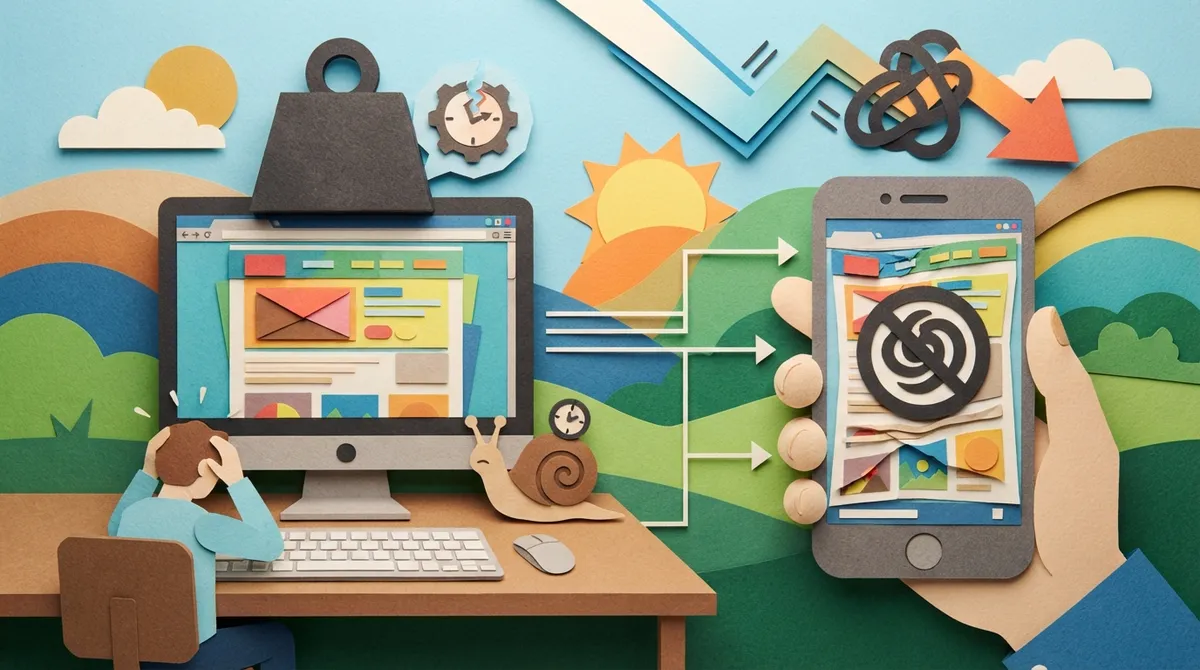
People are impatient online. If your page takes more than a few seconds to load, many visitors will leave. Slow sites also rank lower on Google, so you lose twice.
Speed problems creep in over time. Large images pile up. Old scripts stay installed. Extra plugins get added and never removed. Your site slowly gets heavier, like a backpack that gets one more book every week.
Mobile matters even more. Most local searches happen on phones. If your buttons are tiny, your text is hard to read, or your menu does not work on a small screen, you are turning away ready-to-buy customers. A custom website design built for mobile first helps, but it still needs regular testing as devices and browsers change.
Quick Speed Wins
- Compress and resize large images before uploading.
- Delete plugins and themes you no longer use.
- Turn on caching so pages load faster for repeat visitors.
- Use a quality hosting plan that fits your traffic.
- Test your site on a real phone, not just a computer.
Mistake #4: Letting Content and Details Go Stale
Think about the last time you checked your own website. Is your phone number right? Are your service areas current? Do your hours match what is on Google? Does your footer still say “Copyright 2021”?
Small outdated details chip away at trust. A visitor who sees old pricing, a dead promotion, or a team photo of someone who left two years ago starts to wonder if you are still in business.
Fresh content also helps with search visibility. Google likes sites that show signs of life. Updating service pages, adding helpful blog posts, and refreshing old articles tells search engines your business is active. Our content writing services exist for exactly this reason.
A Simple Content Check-Up List
- Confirm your name, address, and phone number everywhere
- Update service descriptions and pricing
- Remove expired offers and outdated news
- Add recent reviews and testimonials
- Refresh photos so they reflect your real business
- Check that every link and form still works
Mistake #5: Going It Alone Instead of Hiring a Local Pro
Plenty of owners start out handling maintenance themselves, and that is a brave thing to do. The problem comes when the work gets pushed aside because you are busy running your business. Maintenance is the first task that slips, since nothing seems wrong until something suddenly is.
Hiring a website maintenance Brandon FL designer gives you someone who knows your site, watches for trouble, and fixes issues before customers notice. A local designer also understands the Brandon, Riverview, Valrico, and greater Tampa Bay market, which helps when your site needs to speak to nearby customers.
At Brain Buzz Marketing, we have been helping businesses online since 1998. We are a small, husband-and-wife-run team, which means you work directly with people who care about your results, not a giant ticket queue. Everything is handled virtually, so collaboration is simple and flexible. You can learn more about Brain Buzz Marketing and our story.
DIY Maintenance vs. a Local Designer: A Quick Comparison
Not sure whether to handle upkeep yourself or hire help? This table breaks down the differences.
| Factor | DIY Maintenance | Local Designer |
|---|---|---|
| Time Required | Several hours each month | Handled for you |
| Security Knowledge | Limited unless you study it | Experienced and proactive |
| Backups | Often forgotten | Automatic and tested |
| Problem Response | Slow, trial and error | Fast, expert fixes |
| SEO Awareness | Easy to overlook | Built into the process |
| Risk of Mistakes | Higher | Lower |
DIY can work for very simple sites, but most growing businesses find that professional help pays for itself by preventing downtime and lost leads.
How to Choose the Right Website Maintenance Designer in Brandon, FL
Not every designer offers the same level of care. Here is what to look for when comparing your options.
Questions Worth Asking
- What exactly is included in your maintenance plan? Look for updates, backups, security, and support spelled out clearly.
- How fast do you respond to problems? You want a clear answer, not a vague promise.
- Do you understand SEO? Maintenance and search performance go hand in hand.
- Can you show past results? Check their portfolio and read their testimonials.
- Is pricing transparent? Hidden fees are a red flag.
You can also read what real customers say about us on Google. Here is a link to visit Brain Buzz Marketing on Google and see our reviews from local business owners around Brandon and Tampa Bay.
Red Flags to Watch For
- No clear list of services or deliverables
- Long contracts with no way to adjust
- No mention of security or backups
- Pressure to buy extras you do not need
- Slow replies even before you sign
How Maintenance Connects to Your Bigger Marketing Plan
Your website does not live alone. It supports your Google Ads, your local search rankings, your Google Business Profile, and your social media. When the site breaks, all of that marketing effort leaks money.
Imagine paying for Google Ads that send people to a page with a broken form. Every click costs you, and no one can reach you. That is a painful way to waste budget. Keeping your site healthy protects every dollar you spend elsewhere.
It also helps you show up in newer places like AI search tools. These systems favor sites that are fast, well organized, and trustworthy. Clean maintenance is a quiet foundation for that kind of visibility. If you want to dig deeper into local rankings, our guide on how to do local SEO step by step in 2026 is a great next read.
Signs Your Site Needs Attention Right Now
- Pages load slowly, especially on phones
- Your browser shows a “not secure” warning
- Forms or buttons stop working
- Your layout looks broken or messy
- Traffic or leads suddenly drop
- The design looks like it is from another decade
If several of these sound familiar, your site may need more than routine care. It might be time to think about a fresh build. Our article on 7 signs it’s time for a website redesign in 2026 can help you decide.
What Does Website Maintenance Cost?
Costs vary based on your site size, features, and how much support you need. A simple brochure site needs far less than a busy ecommerce store with hundreds of products.
Think of maintenance as insurance and upkeep rolled into one. The monthly cost is usually small compared to the price of a hacked site, a lost week of sales, or an emergency rebuild. If you want to plan your overall budget, our marketing spend calculator and website pricing page are handy places to start.
Take the Stress Off Your Plate
Website maintenance is not glamorous, but it is one of the smartest things you can do for your business. Avoid these five mistakes, and you will protect your leads, your reputation, and your search rankings.
Remember the five big ones: skipping updates, forgetting backups, ignoring speed, letting content go stale, and trying to do it all alone. Fix those, and your site will work harder for you all year long.
Ready for a partner who treats your website like their own? Our small, dedicated team has been helping businesses grow online since 1998, and we would love to help you too. Contact us today to talk about keeping your site fast, safe, and ready to win customers. You can also follow along with our tips on Instagram and connect with the owner on LinkedIn.
FAQs
Q: What does a website maintenance designer in Brandon, FL actually do?
A: A maintenance designer keeps your site healthy by handling updates, backups, security checks, speed tuning, and content fixes. Think of them as your site’s personal mechanic, catching small problems before they turn into big, expensive ones.
Q: How often should I update my website?
A: Software and plugin updates should be checked at least monthly, and backups should run daily or weekly depending on how busy your site is. Content like hours, pricing, and service details should be reviewed every few months so everything stays accurate.
Q: Is website maintenance worth the money for a small business?
A: Absolutely! A small monthly investment is usually far cheaper than recovering from a hacked site or lost sales from downtime. Regular care also protects your search rankings and keeps your marketing dollars from going to waste.
Q: Can I do website maintenance myself?
A: You can handle simple tasks like updating text and photos, but security, backups, and technical updates are easy to get wrong. Many busy owners find that hiring a local pro saves time and gives real peace of mind.
Q: How do I know if my website needs maintenance or a full redesign?
A: If your site just needs updates, faster loading, or small fixes, maintenance is the right call. If it looks outdated, breaks often, or does not work well on phones, a redesign may be the smarter long-term move.
Our Service Area