How to Build an SEO-Friendly Website That Ranks in 2026
Build an SEO-friendly website that ranks in 2026 with simple steps covering speed, structure, content, local SEO, and AI search.

Key Takeaways
-
Start with keyword research by writing down real customer questions and phrases, then match keywords to search intent (informational, commercial, transactional, or local) to ensure each page has a clear purpose and avoids cannibalizing your own rankings.
-
Build a clean site structure where visitors can reach any important page in three clicks or fewer, use short readable URLs, and add internal links between related pages to guide both visitors and spread ranking power.
-
Prioritize mobile-first design and page speed by compressing images, choosing quality hosting, removing unnecessary plugins, and testing your site on real phones—Google primarily ranks based on mobile version performance.
-
Create helpful content organized into topical clusters with related pages linked together, include direct answers under question headings, and add FAQ sections to optimize for both AI tools and human readers.
-
Implement technical SEO fundamentals including HTTPS security, XML sitemap, robots.txt file, canonical tags, schema markup, and regular SEO audits to help search engines crawl and index your site properly.
-
Build trust signals through author bios, customer reviews, certifications, easy-to-find contact details, and quality backlinks from respected industry sites, then track monthly performance with Google Search Console and Analytics to identify improvement opportunities.
Picture this: you spend weeks building a beautiful website, hit publish, and then… crickets. No visitors. No calls. No leads. If that sounds familiar, you are not alone. Many business owners learn the hard way that a pretty site is not the same as an SEO-friendly website.
The good news? You do not need to be a tech wizard to fix this. An SEO-friendly website is simply a site built so search engines can find it, understand it, and show it to the right people. And in 2026, that now includes AI search tools like Google’s AI Overviews and ChatGPT.
In this guide, we will walk through exactly how to build one, step by step. Whether you run a local service business, an online store, or a fast-growing startup, these steps will help you turn clicks into customers. Let’s dive in!
What Makes a Website SEO-Friendly?
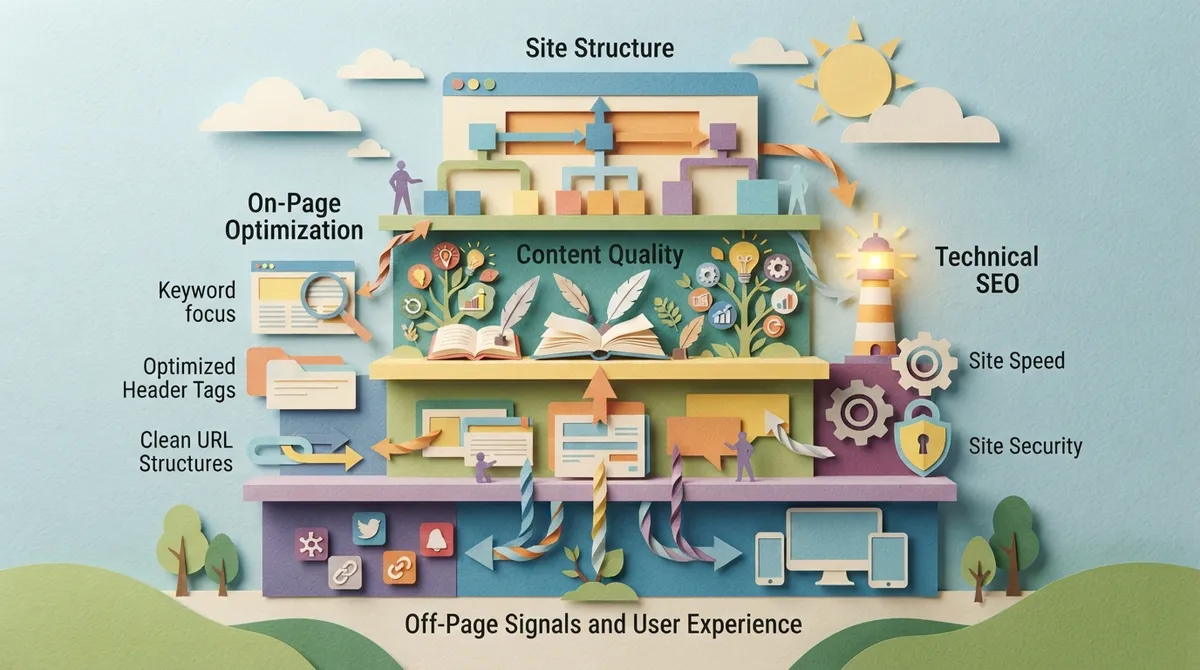
An SEO-friendly website is one that search engines can easily crawl, read, and rank. It also gives visitors a fast, simple, and helpful experience. Think of it like a well-organized store. If the shelves are labeled and the aisles are clear, people (and search engines) find what they need.
Every strong SEO-friendly website has five basic parts:
- Solid technical setup: fast speeds, clean code, and secure hosting
- Clear structure: simple menus and logical page paths
- Helpful content: pages that answer real questions
- Mobile-friendly design: a site that works great on any phone
- Trust signals: reviews, contact details, and expert information
If you want the bigger picture on why this matters, our post on the importance of having an SEO-friendly website is a great companion read.

Step 1: Start With Smart Keyword Research
Every SEO-friendly website begins with knowing what your customers type into Google. Skip this step, and you are guessing. Do it right, and every page has a clear purpose.
Find Words Your Customers Actually Use
Customers rarely use your industry jargon. A homeowner searches “fix leaky faucet near me,” not “residential plumbing remediation.” Write down the questions your customers ask you on the phone. Those questions are gold.
Match Keywords to Search Intent
Search intent is the reason behind a search. Some people want to learn. Others want to buy. Here is a quick way to match them:
| Search Intent | Example Search | Best Page Type |
|---|---|---|
| Informational | how to choose a website designer | Blog post or guide |
| Commercial | best website design packages | Service or comparison page |
| Transactional | hire web designer Tampa | Service page with a clear call to action |
| Local | website designer near me | Location page with local details |
Give each page one main keyword and a few related phrases. This keeps your site focused and stops your own pages from competing against each other.

Step 2: Build a Clean Site Structure
Site structure is how your pages connect. A clean structure helps search engines crawl your site faster. It also helps visitors find what they need in just a few clicks.
Follow the Three-Click Rule
Visitors should reach any important page in three clicks or fewer from your homepage. A simple layout often looks like this:
- Homepage at the top
- Main service or product category pages beneath it
- Individual service, product, or blog pages under those
Use Clean, Readable URLs
Short URLs are easier for people and search engines to understand. Compare these two:
- Good: yoursite.com/website-design
- Not so good: yoursite.com/page?id=84729&cat=3
Add internal links between related pages, too. They guide visitors and spread ranking power across your site. Strong website design plans for this from day one instead of tacking it on later.
Step 3: Make Your Site Fast and Mobile-Friendly
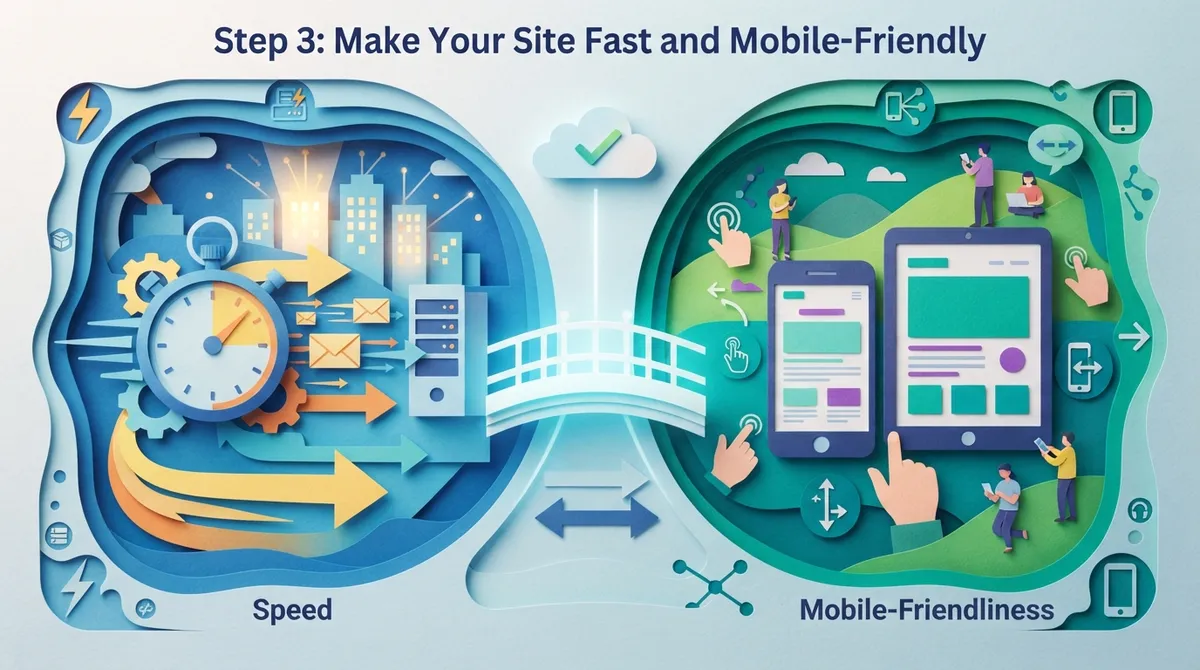
Speed is a big deal. Slow sites lose visitors fast, and Google knows it. Most people browse on their phones, so Google mainly looks at the mobile version of your site when ranking it.
Quick Speed Wins
You can often boost your speed with a few simple moves:
- Compress images before uploading them
- Use modern image formats like WebP
- Choose reliable, quality hosting
- Remove plugins and scripts you do not need
- Turn on browser caching
Hosting matters more than most people think. Our post on hosting mistakes that kill your website shows what to avoid.
Design for Thumbs First
Mobile-friendly means big, easy-to-tap buttons, readable text without zooming, and menus that are simple to use. Test your site on a real phone. If you feel frustrated, your visitors will too.
Step 4: Master Your On-Page SEO Basics
On-page SEO is everything you do on a page to help it rank. These small details add up to big results. If you want to go deeper, check out our guide to on-page SEO techniques that boost rankings in 2026.
Your On-Page Checklist
| Element | Best Practice |
|---|---|
| Title tag | Under 60 characters, main keyword near the front |
| Meta description | Around 150 characters, clear and inviting |
| H1 heading | One per page, includes the main keyword |
| Subheadings | Use H2 and H3 tags to organize ideas |
| Image alt text | Short, helpful descriptions of each image |
| Internal links | 2 to 5 links to related pages |
Write for people first. If a sentence sounds odd because you stuffed in a keyword, rewrite it. Search engines are smart enough to spot forced writing.
Step 5: Create Content That Helps and Converts
Content is the heart of any SEO-friendly website. But more content is not always better. Better content is better. Each page should answer a real question and guide the reader to a next step.
Build Topical Authority
Instead of writing random posts, build clusters of related content. For example, a web design company could write about site speed, mobile design, and SEO basics, then link them together. This shows Google you know your topic inside and out. See why this works in our article on why content is the backbone of SEO in 2026.
Write for Humans and AI
In 2026, people get answers from AI tools as often as from classic search. To get cited, use these habits:
- Put a short, direct answer right under each question-style heading
- Use simple sentences and plain words
- Add an FAQ section with real customer questions
- Back up claims with facts, examples, and your real experience
This approach is called answer engine optimization, or AEO. Learn more in what answer engine optimization is and how to do it.
Step 6: Fix Your Technical SEO Foundation
Technical SEO is the behind-the-scenes work that lets search engines crawl and index your site. You do not need to code it all yourself, but you should know what to check.
Technical Must-Haves
- HTTPS security: an SSL certificate keeps visitor data safe and is a trust signal
- XML sitemap: a roadmap that tells search engines which pages to find
- Robots.txt file: tells search engines what to skip
- Canonical tags: prevent duplicate content problems
- No broken links: fix 404 errors and redirect old pages properly
- Schema markup: extra code that helps search engines understand your content
Schema markup is especially helpful. It can unlock rich results like star ratings, FAQs, and business details. It also helps AI tools understand who you are and what you offer.
Run a Regular SEO Audit
Think of an audit like a yearly checkup for your site. It finds hidden problems before they hurt your rankings. Curious what one reveals? Read what an SEO audit actually reveals about your website.
Step 7: Add Local SEO Signals
If you serve customers in a specific area, local SEO is a must. It helps you show up when nearby people search for what you offer. This matters a lot for local service providers and small businesses.
Here is how to make your site local-friendly:
- Add your business name, address, and phone number (NAP) to your site, and keep it identical everywhere online
- Create service-area pages with real local details, not copy-paste text
- Claim and fully fill out your Google Business Profile
- Ask happy customers for Google reviews
- Embed a map and add local schema markup
Want a full walkthrough? Try our guide on how to do local SEO step by step in 2026. And if you want to see what real customers say about working with us, visit us on Google — Brain Buzz Marketing.
Step 8: Build Trust and Earn Quality Links
Google wants to send people to sites it can trust. This idea is called E-E-A-T, which stands for Experience, Expertise, Authoritativeness, and Trustworthiness. You can show it in simple ways:
- Share author names and short bios on your content
- Display customer reviews and testimonials
- Show certifications, awards, and years in business
- Make your contact details easy to find
- Link to trusted sources when you share facts
Backlinks, which are links from other sites to yours, are also a trust signal. Quality beats quantity here. A few links from respected sites in your industry are worth more than hundreds of spammy ones. Learn more in do you really need backlinks to get organic traffic?
Staying active in your industry helps too. Following experts like Eric on LinkedIn is a nice way to keep up with fresh digital marketing tips.
Step 9: Track, Test, and Keep Improving
An SEO-friendly website is never truly “done.” Search engines change, competitors improve, and customers shift. The best sites get regular attention.
Tools and Metrics to Watch
| Tool | What It Tells You |
|---|---|
| Google Search Console | Which keywords bring clicks, plus indexing issues |
| Google Analytics | Visitor behavior, traffic sources, and conversions |
| PageSpeed Insights | Speed scores and fixes for slow pages |
| Google Business Profile Insights | How local customers find and contact you |
Check your data monthly. Look for pages that get views but no leads, then improve them. Update older posts with fresh facts, too. Small, steady improvements beat big, rare overhauls.
If you would rather have someone handle the heavy lifting, SEO Rocket offers fully automated blog posts that rank, which can keep your content fresh while you focus on running your business.
Common Mistakes That Hurt an SEO-Friendly Website
Even careful builders slip up. Watch out for these common traps:
- Launching with a “noindex” tag still turned on, which hides your site from Google
- Using huge, uncompressed images that slow every page down
- Copying text from other sites or reusing the same text on many pages
- Ignoring mobile users
- Forgetting to redirect old URLs during a redesign
- Skipping calls to action, so visitors have no clear next step
Redesigns are especially risky. A new look can accidentally wipe out years of hard-earned rankings if SEO is not part of the plan. Read SEO in website design vs. design first before you start a rebuild.
Your SEO-Friendly Website Launch Checklist
Before you go live, run through this list:
- Keyword research is done and mapped to each page
- Titles, meta descriptions, and headings are written
- Images are compressed and have alt text
- The site loads fast and looks great on mobile
- HTTPS, sitemap, and robots.txt are set up
- Schema markup is added
- Google Search Console and Analytics are connected
- Google Business Profile is claimed and complete
- Every important page has a clear call to action
- Old URLs are redirected if you rebuilt your site
Ready to Build a Site That Actually Brings in Customers?
Building an SEO-friendly website takes planning, but you now have a clear roadmap. Start with smart keyword research, build a clean structure, keep things fast and mobile-friendly, create helpful content, and tighten up your technical details. Then keep tracking and improving.
Brain Buzz Marketing has helped businesses grow online since 1998. We are a small, hands-on team that builds custom websites with SEO baked in from day one, so your site is ready to rank. Want to talk it through? Contact us today and let’s make your website work as hard as you do.
FAQs
Q: What is an SEO-friendly website?
A: An SEO-friendly website is a site built so search engines can easily crawl, understand, and rank it. It loads fast, works well on phones, has a clear structure, and offers helpful content. Think of it as a site that is easy for both Google and your customers to love.
Q: How long does it take for an SEO-friendly website to start ranking?
A: Most new sites start seeing movement in about three to six months, though competitive keywords can take longer. Local searches often move faster than broad national ones. Steady improvements and fresh content help speed things up.
Q: Does website design really affect SEO?
A: Yes, it absolutely does! Design choices like page speed, mobile layout, site structure, and clean code all affect how search engines read your site. A great design should look good and be built with SEO in mind from the start.
Q: Can I make my existing website more SEO-friendly without a full redesign?
A: Often you can! Fixing slow speeds, improving page titles, adding schema markup, cleaning up broken links, and writing better content can make a big difference. A quick SEO audit will show you exactly where to start.
Q: Is an SEO-friendly website still important with AI search tools?
A: More than ever! AI tools like Google’s AI Overviews pull answers from well-structured, trustworthy sites. Clear headings, direct answers, schema markup, and strong E-E-A-T signals give your site a better shot at being cited.
Our Service Area