12 ChatGPT Ads Beginner Tips to Start Strong in 2026
Start strong with this ChatGPT ads beginners guide: 12 easy tips, real costs, and common mistakes to avoid in 2026.

Key Takeaways
-
Set up conversion tracking, including Google Analytics and call tracking, before launching so you can see which ChatGPT visitors become leads.
-
Write specific context hints using the exact words your customers use when asking for help, and test several versions to find the best matches.
-
Group ads by customer intent (for example, 'find a plumber' vs. 'compare payroll tools') so each message stays sharp and relevant.
-
Start with one clear goal such as calls, form fills, or sales, and a small test budget so you can learn what works before scaling up.
-
Make sure your landing page matches the ad's promise, such as showing a quote form immediately if the ad offers a free quote.
-
Keep ChatGPT ads running alongside Google Ads rather than replacing them, since ChatGPT captures early research while Google captures ready-to-buy searches.
Have you noticed people asking ChatGPT for advice before they ever open Google? You are not imagining it. Millions of folks now ask AI tools what to buy, who to hire, and where to go. And now, businesses can put their message right in front of those people. That is where this ChatGPT ads beginners guide comes in.
If you run a small business, an online store, a startup, or a local service company, this can feel brand new and a little scary. Good news: you do not need to be a tech wizard. You just need a clear plan, a small budget, and a friendly walkthrough. That is exactly what you will get here.
In this guide, we will keep things simple. You will learn what ChatGPT ads are, how they work, what they cost, and the mistakes to dodge. We will also share 12 beginner-friendly tips you can use right away. Grab a coffee and let’s dive in together.
What Are ChatGPT Ads, Exactly?
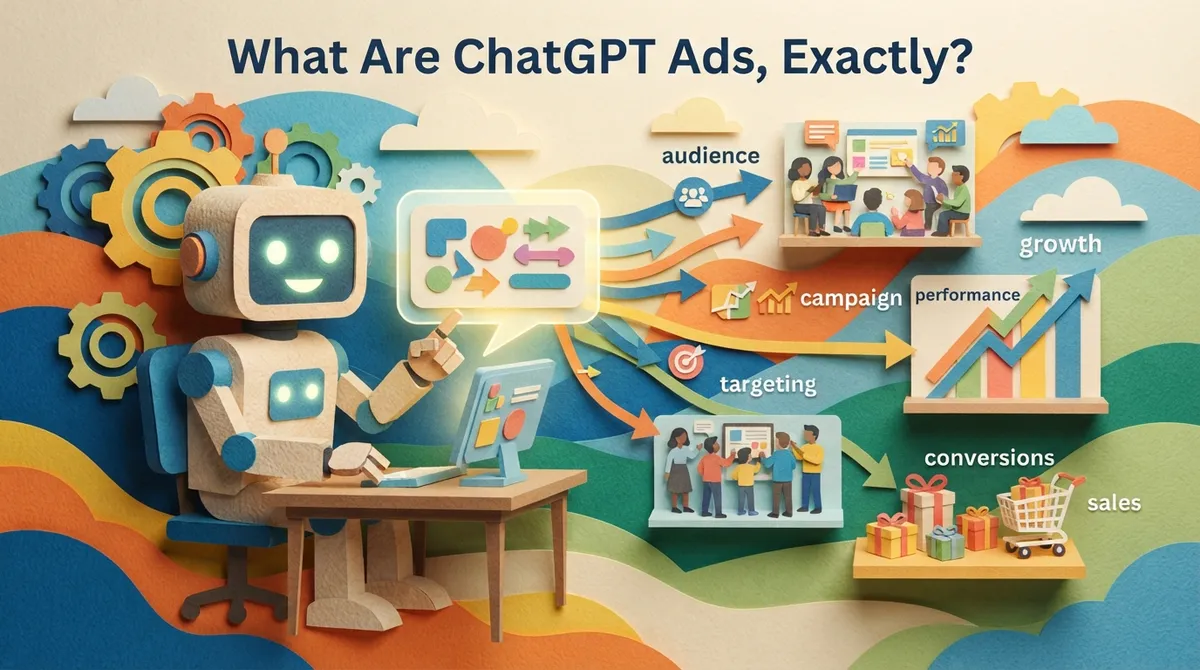
ChatGPT ads are paid placements that show up inside ChatGPT conversations. When a user asks a question that fits your business, your ad can appear alongside the answer. Think of it as a helpful suggestion at the exact moment someone is looking for a solution.
This is different from a regular search ad. In a chat, people ask full questions in plain language. They share details about what they need. That means the intent behind the question is often very clear.
For beginners, here is the simple version. You pick the topics and customers you want to reach. You write short, helpful ad copy. You set a budget. Then you watch the results and improve over time.
How ChatGPT Ads Work in Simple Terms
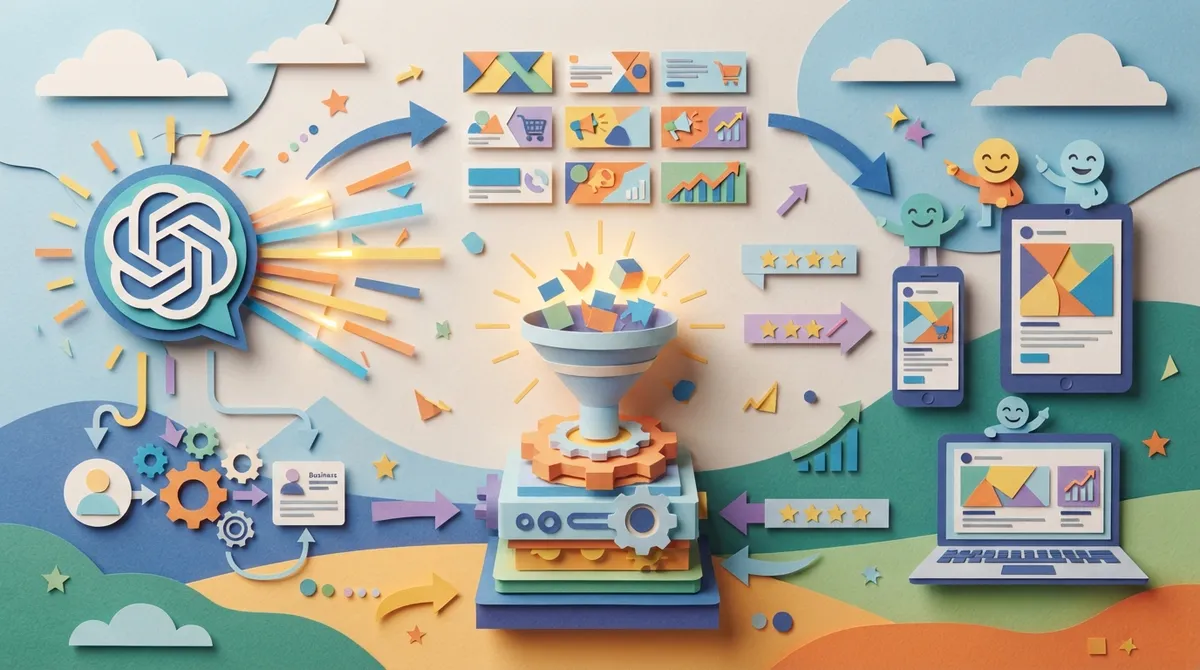
Before you spend a dollar, it helps to understand the basic flow. Here is how most beginners experience it:
- You check that your business meets the platform’s ad policies.
- You group your ads by customer intent, such as “find a plumber” or “compare payroll tools.”
- You write context hints that tell the platform what conversations fit your ad.
- You write a short headline and description.
- You choose your location and device targeting.
- You set a monthly budget and launch.
Context hints are a big deal here. They help the system match your ad to the right chats. Strong hints bring the right people. Weak hints bring the wrong ones and waste money.
12 ChatGPT Ads Beginner Tips to Get Started
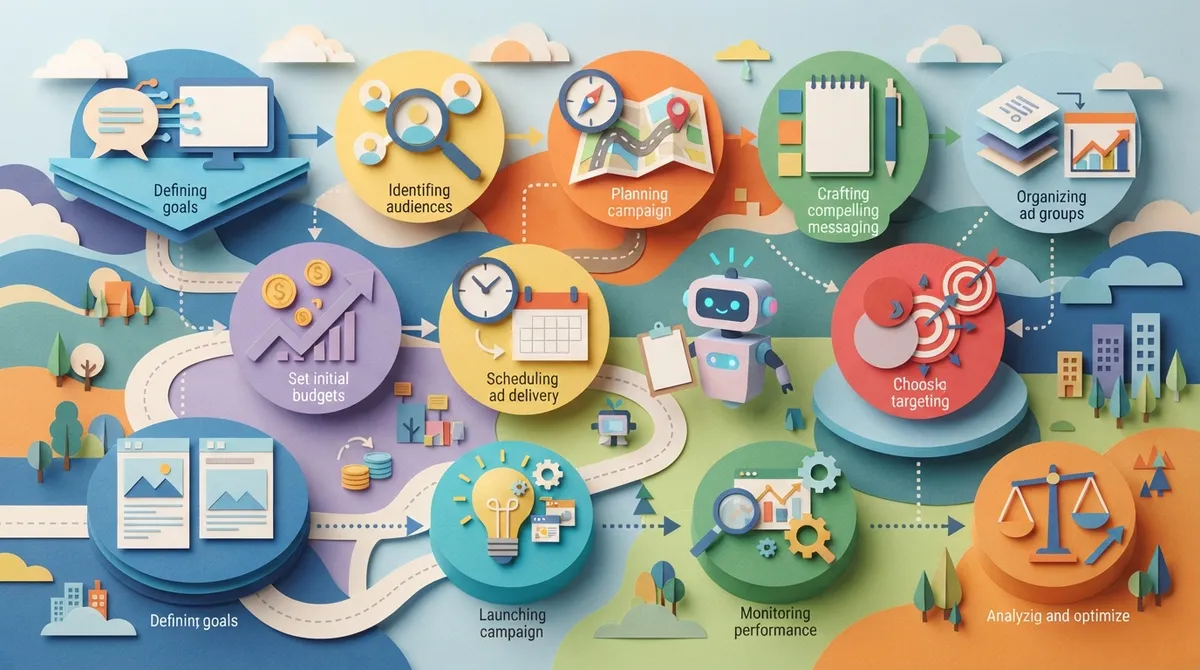
Ready for the good stuff? These 12 tips will help you launch with confidence. Pick the ones that fit your business and start there.
1. Start With One Clear Goal
Do you want phone calls, form fills, or online sales? Pick one. A single goal keeps your ad simple and makes results easy to read. You can always add more goals later.
2. Know Who You Want to Reach
Picture your best customer. What do they ask when they need help? A local HVAC company might hear “my AC stopped working, who can fix it today?” Write that down. Those real questions become the heart of your ad plan.
3. Check the Ad Policies First
Every ad platform has rules. Before you write anything, read the eligibility and content policies. Some topics are limited or not allowed. A quick check now saves you from a rejected ad later.
4. Plan Ad Groups Around Intent
Do not throw everything into one bucket. Build separate ad groups for separate needs. For example, a web design shop might have one group for “new website” and another for “website redesign.” This keeps your message sharp and relevant.
5. Write Strong Context Hints
Context hints are like instructions that say, “Show my ad when people talk about this.” Be specific. Use the same words your customers use. Test a few versions and keep the ones that bring better results.
6. Keep Your Ad Copy Short and Helpful
Chat is a helpful space. Pushy sales talk feels out of place. Write like a friendly guide. Say what you do, who it helps, and what the next step is. Short, clear, and kind wins here.
7. Match Your Landing Page to Your Ad
If your ad promises a free quote, the page should show a free quote form right away. A mismatch confuses visitors and they leave. A fast, simple page turns clicks into customers. If your site is outdated, a refresh from a team that offers website design can make a huge difference.
8. Set Up Tracking Before You Launch
You cannot improve what you cannot see. Connect Google Analytics so you can spot visitors coming from ChatGPT. Add call tracking if phone calls matter to you. This is the step beginners skip most, and it hurts later.
9. Start With a Small, Safe Budget
You do not need to go big on day one. Start small, learn what works, and grow from there. Many beginners overspend while they are still guessing. A modest test budget lets you learn without stress.
10. Use Location and Device Targeting
If you serve a local area, say so. Target the cities you actually work in. Also check whether most of your customers use phones or computers. Local service providers often see better results when they stay tightly focused on their service area.
11. Test One Thing at a Time
Try two headlines side by side. Keep everything else the same. After a couple of weeks, keep the winner and test something new. Small tests add up to big gains over time.
12. Review Results Every Month
Set a calendar reminder. Look at clicks, leads, and cost per lead. Ask what is working and what is not. Then adjust your hints, copy, or budget. Steady check-ins turn a good campaign into a great one.

How Much Do ChatGPT Ads Cost?
Cost is the first question most beginners ask, and it is a fair one. There are two parts to think about. First, the ad spend you pay directly to the platform. Second, the cost to build and manage your campaign if you hire help.
Here is a quick snapshot of how a typical setup breaks down:
| Cost Item | What It Covers | Who Pays |
|---|---|---|
| Platform ad spend | The money that actually buys your ad placements | You, paid directly to the platform |
| Setup | Policy check, ad groups, context hints, copywriting, tracking | One-time fee if using an agency |
| Management | Testing, budget checks, reporting, compliance | Monthly fee if using an agency |
Keep in mind that the platform may require a minimum monthly ad spend. Always confirm the current numbers before you commit. If you want a clearer picture of how much to set aside for all your marketing, try the marketing spend calculator.
ChatGPT Ads vs. Google Ads: A Quick Comparison
A lot of beginners wonder if they should pick one or the other. The honest answer is that they do different jobs. Here is a simple side-by-side:
| Feature | ChatGPT Ads | Google Ads |
|---|---|---|
| How people ask | Full, detailed questions in a chat | Short keywords and phrases |
| Where ads appear | Inside AI conversations | Search results, maps, and websites |
| Targeting focus | Context hints and conversation topics | Keywords, audiences, and locations |
| Best for | Early research and advice-seeking | Ready-to-buy searchers |
| Maturity | Newer, still growing | Proven and well established |
Our friendly take? Do not abandon what already works. If you already run search ads, keep them going. Then test ChatGPT ads as a smart add-on. You can learn more about getting search ads right in our guide on how to run Google Ads that actually drive results.
Who Should Try ChatGPT Ads First?
Not every business needs these ads today. Some are a better fit than others. Here are the types of businesses that tend to see the most promise:
- Local service providers who get “who can help me with…” questions, like plumbers, lawyers, and home pros.
- E-commerce retailers whose shoppers ask for product ideas and comparisons.
- Startups that want to get in front of curious buyers early.
- Growing companies that already have steady marketing and want a fresh channel.
If you are still working on the basics, such as a slow or confusing website, fix that first. Ads only work as well as the page they send people to.
Common Beginner Mistakes to Avoid
Everyone makes mistakes when they start. The trick is to make fewer of them. Watch out for these:
- Skipping tracking, then guessing what worked.
- Writing vague context hints that attract the wrong chats.
- Sending traffic to a slow or off-topic page.
- Spending big before testing small.
- Changing too many things at once, so you cannot tell what helped.
If you have run paid ads before, you will see these look a lot like search ad mistakes. Our post on pay-per-click advertising mistakes that drain your budget covers many of the same traps.
How ChatGPT Ads Fit Into Your Bigger Marketing Plan
Here is something worth remembering. Ads are just one piece of the puzzle. People who find you in a chat will often look you up afterward. They may visit your website, read your reviews, or search your name on Google.
That means your whole online presence needs to be ready. A strong site, good reviews, and helpful content all work together. This is also why AI search visibility matters. Learning about how to optimize for AI search results can help your business show up in answers, not just in paid spots.
Think of it as a team effort. Paid ads bring quick visibility. Good SEO builds lasting trust. Together, they help you win more customers.
How to Measure Your Results
Numbers do not need to be scary. Focus on just a few. Here is a simple way to track your progress:
- Clicks: How many people tapped your ad?
- Leads: How many called, filled out a form, or bought?
- Cost per lead: How much did each lead cost you?
- Lead quality: Were these the right kind of customers?
Check these once a month. If cost per lead is too high, tighten your context hints or improve your landing page. If lead quality is low, rewrite your copy to be clearer about who you serve. Small changes can bring big wins.
Should You Do It Yourself or Hire Help?
Great question. Doing it yourself saves money up front, but it takes time and a lot of trial and error. Hiring a pro costs more, but you skip many beginner mistakes and get results faster.
At Brain Buzz Marketing, we have been helping businesses grow online since 1998. We are a small, hands-on team, which means you get real attention instead of a one-size-fits-all process. We run ChatGPT ad campaigns, Google Ads, SEO, and website projects, all 100 percent virtual. You can learn more about who we are and see what clients say in our testimonials. You can also visit us on Google to see Brain Buzz Marketing reviews from customers here in the Tampa Bay area.
Want to keep learning? Follow Eric on LinkedIn for marketing tips, or connect with us on Instagram. If you also want fresh blog content on autopilot, check out SEO Rocket for fully automated blog posts that rank.
Final Thoughts: Start Small and Learn as You Go
ChatGPT ads are new, and that is part of the fun. Early movers often learn the most and build the best habits. You do not have to master everything in one day. Pick a goal, write helpful copy, track your results, and keep improving.
Remember the big ideas from this ChatGPT ads beginners guide. Start small. Stay helpful. Track everything. Test one thing at a time. And never forget that your website and your reviews do a lot of the heavy lifting once people click.
Feeling ready but want a guide by your side? We would love to help you plan your first campaign. Contact us today and let’s chat about how ChatGPT ads can fit your business and your budget.
FAQs
Q: What are ChatGPT ads?
A: ChatGPT ads are paid placements that appear inside ChatGPT conversations when a user’s question fits your business. They put your message in front of people at the exact moment they are looking for help. Think of it as a helpful suggestion right inside the chat.
Q: Are ChatGPT ads good for small businesses?
A: They can be a great fit, especially for local service providers, online stores, and startups that want to reach curious buyers early. The key is to start with a small budget, track your results, and grow slowly. If your website is not ready yet, fix that first so your clicks turn into customers.
Q: How much do ChatGPT ads cost for beginners?
A: Your cost includes the ad spend paid to the platform, and possibly a setup and management fee if you hire an agency. The platform may require a minimum monthly spend, so always confirm current numbers before you begin. Starting with a modest test budget is the safest way to learn.
Q: Should I use ChatGPT ads or Google Ads?
A: You do not have to pick just one, because they do different jobs. Google Ads catches ready-to-buy searchers, while ChatGPT ads reach people who are asking detailed questions and researching. Many businesses keep their search ads running and test ChatGPT ads as a smart add-on.
Q: How long does it take to see results from ChatGPT ads?
A: Most beginners need a few weeks of data before they can see what is working. Test one change at a time and review your numbers every month. Patience and steady tweaks usually lead to better results over time.
Our Service Area